As we all know that DTS 5.1 can guarantee super high quality of the outputting. Now Mac Blu-ray Player can support DTS 5.1 surround sound system, which makes this media player software even better besides other shinning features. Here, we will show you how to play your favorite movies through DTS5.1 in details.
Preparations you need to do:
Free trial version of this powerful Blu-ray Player is now available on Macgo Official Download Center, or you can click here to download Mac Blu-ray Player, and then drag its icon to your Application folder.
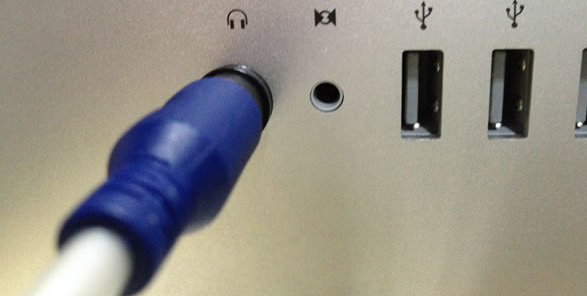
Get an optical fiber cable. Connect one connection to the audio output terminal of Mac.
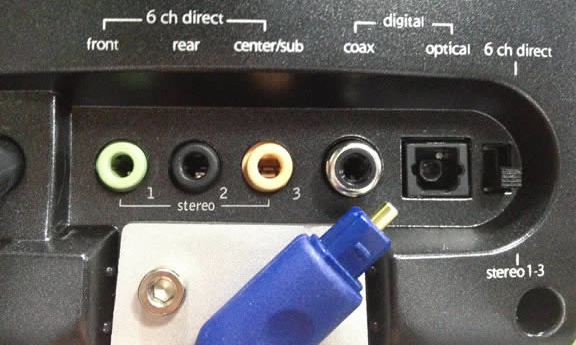
Connect the other end to the loudspeaker box through the digital optical port.
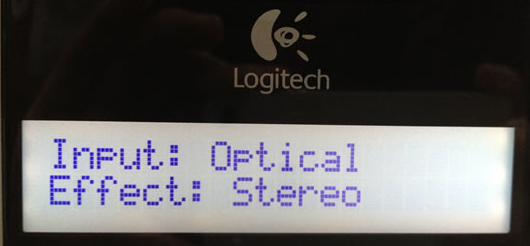
Through the normal playback format, the effect will present stereo on the screen of the loudspeaker box.
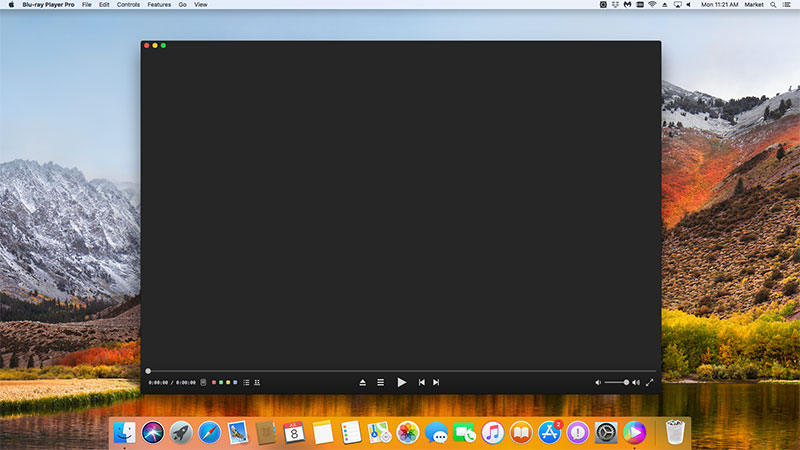
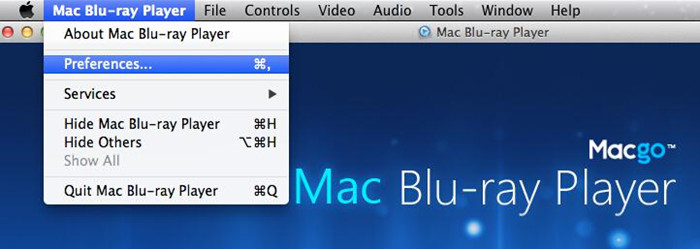
After installing Mac Blu-ray Player, you can go to "Launchpad" and click on its icon to launch the program. The simplified main interface will reduce certain misoperations. You can see a menu at the top of the interface. Open "Preferences" under "Mac Blu-ray Player".
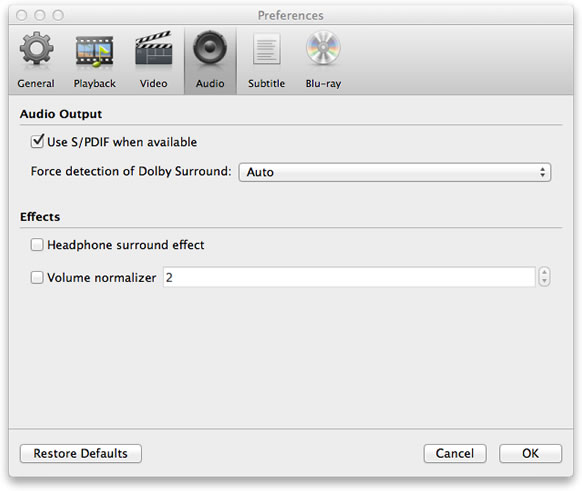
Choose "Audio" and select the option of "Use S/PDIF when available". Then click "OK" to start.
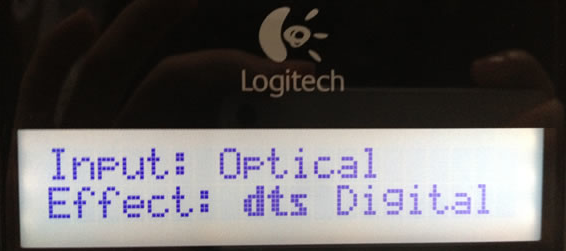
Then the effect will present "dts Digital" on the screen of the loudspeaker box.
Now it brings the audio experience to the high level. Via DTS5.1, you can enjoy the movies to your heart's content.
Now you can play your Blu-ray by two ways. You can insert a disc into the drive and click "Open Disc", or click "Open File" to choose a local media file to wait for the program automatically start. Soon enough a menu will show up and you can make some adjustments there and click "Play Movie" to enjoy some Blu-ray time.
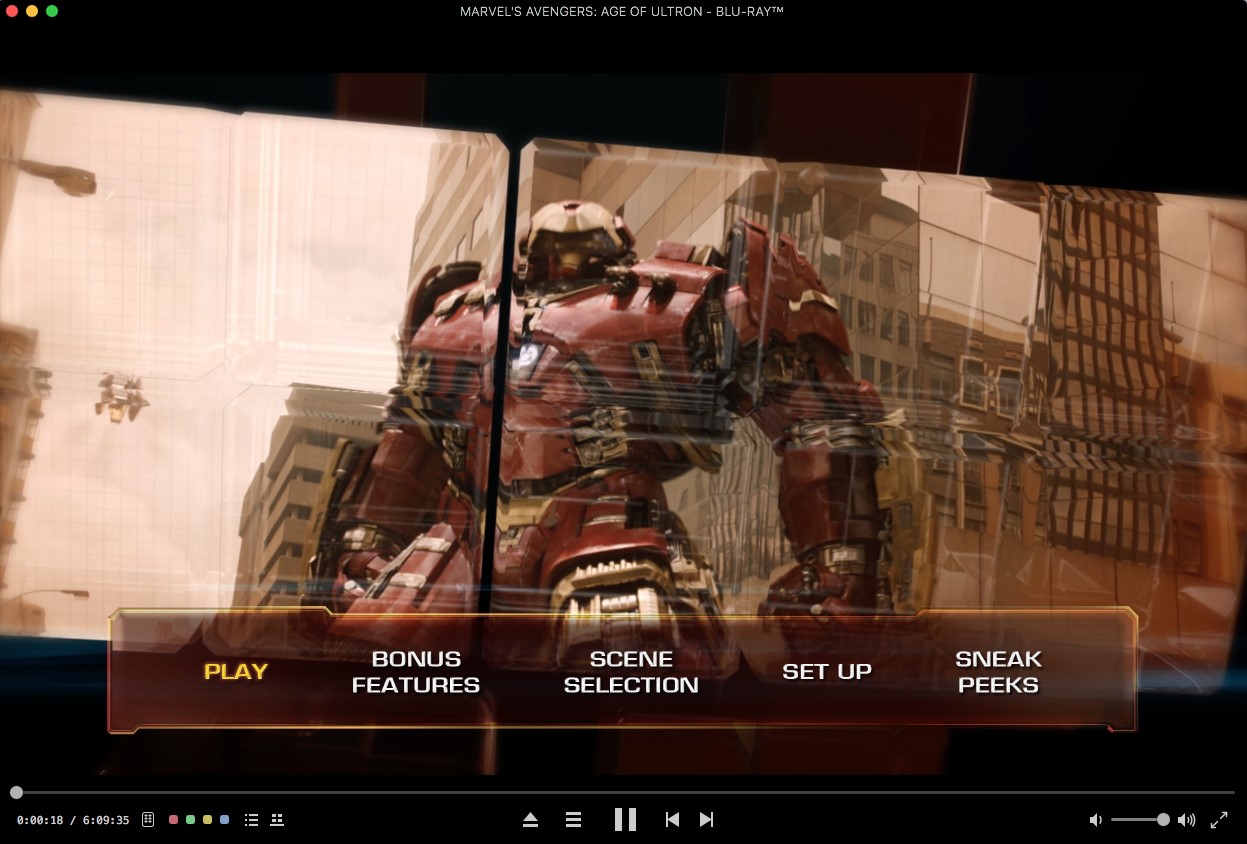
The first and best Blu-ray media player for Mac. Support Original Blu-ray Menu, ISO files, and BDMV folder, etc.
Mac Download BUY NOW

 Mac Blu-ray Player Pro