Excellent free MP4 player software - Macgo Blu-ray Player for windows is a brilliant MP4 Player on PC. It’s totally free to watch MP4 with it, however, you have to buy the full version to play Blu-ray. It can play any MP4 files. With simple process, Macgo Blu-ray Player will bring you the most amazing MP4 joy!
Preparations you need to do:
Free trial version is now available on Macgo Official Download Center, or you can click here to download Windows Blu-ray Player. Keep the Setup file where you can easily find, like desktop, and then double click it to open the file, please follow the procedures precisely to finish the installment.
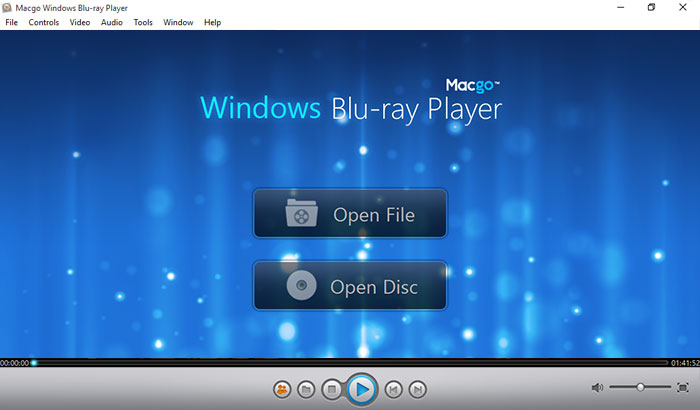
After installing Windows Blu-ray Player, you can double click on it to launch the program. The simplified main interface will reduce certain misoperation problems. You can see two buttons there: Open File and Open Disc.
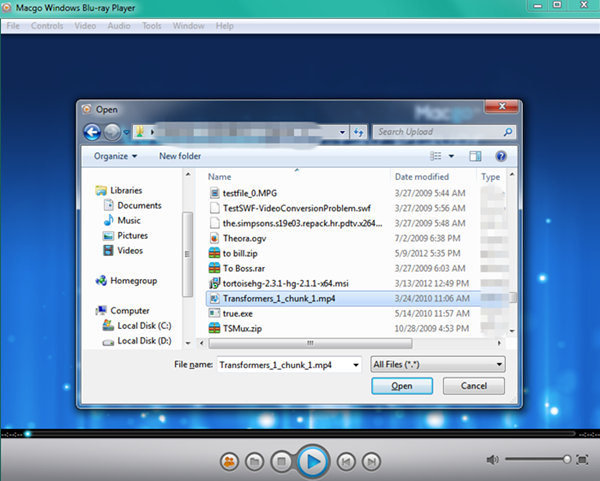
If you want to play a MP4 file, just click on "Open File" and choose the Blu-ray video you would like to watch from your local multimedia files, and then click "Open".
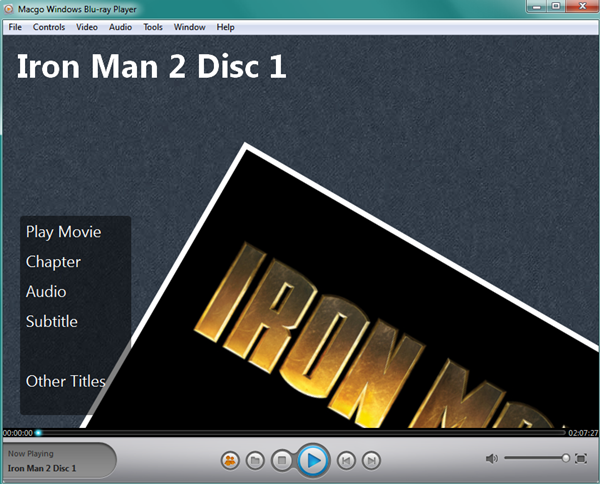
After waiting for several seconds, the special Macgo Blu-ray Menu will come up. In the Menu, you can play the movie directly or select the chapter, subtitle, audio track, and title, etc. Afterward, you can enjoy the Blu-ray audio-visual feast.
The most practial and reasonable-priced Blu-ray player software for Windows. Support Blu-ray Disc, Blu-ray ISO files, and BDMV folder. Support Windows 10.


 Windows Blu-ray Player