Perhaps you are bothered with that there’s no software to play your Blu-ray Disc or Blu-ray ISO files. However, you can get rid of this trouble by using Windows 7 Blu-ray Player, which is an easy-to–use video software program and could give you a unique experience with its high video broadcast quality and customer-oriented design.
Preparations you need to do:
Free trial version is now available on Macgo Official Download Center, or you can click here to download Windows 7 Blu-ray Player. Keep the Setup file where you can easily find, like desktop, and then double click it to open the file, please follow the procedures precisely to finish the installment.
After installing Windows 7 Blu-ray Player, you can double click on it to launch the program. The simplified main interface will reduce certain misoperation problems. You can see two buttons there: Open File and Open Disc.
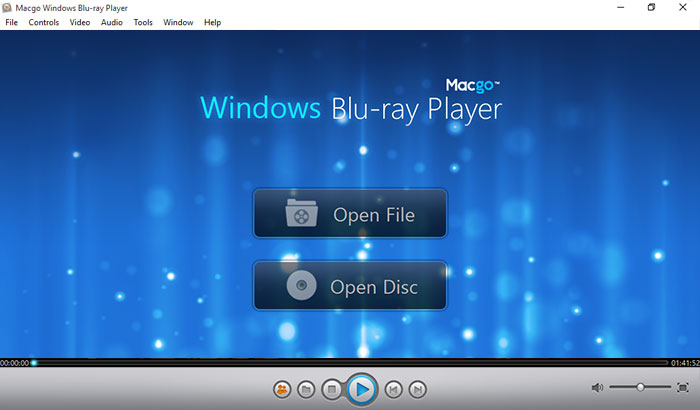
Connect the Bly-ray drive with your PC via a USB cable. Insert the Blu-ray disc you want to play in the drive. Press the second one, and follow the instructions.
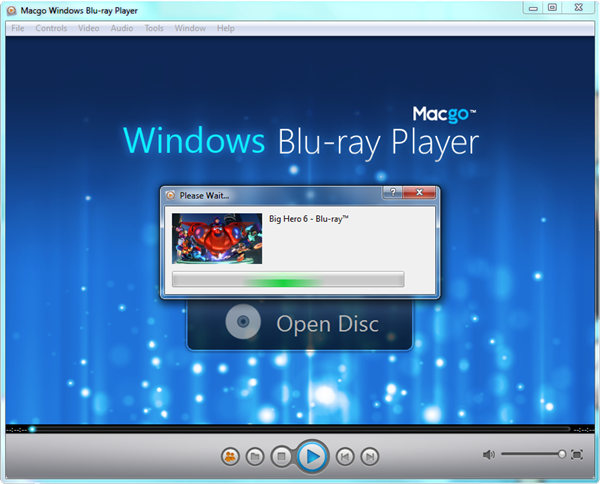
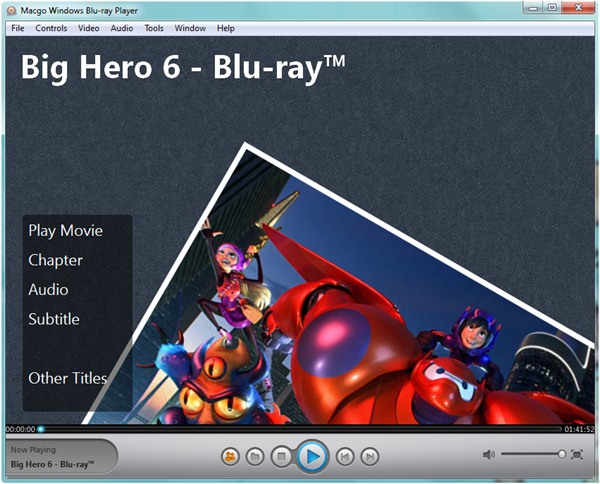
After waiting for several seconds, the special Macgo Blu-ray disc Menu will come up. In the disc Menu, you can play the movie directly or select the chapter, subtitle, audio track, and title, etc. Afterward, you can enjoy the Blu-ray audio-visual feast.
The most practial and reasonable-priced Blu-ray player software for Windows. Support Blu-ray Disc, Blu-ray ISO files, and BDMV folder. Support Windows 10.


 Windows Blu-ray Player