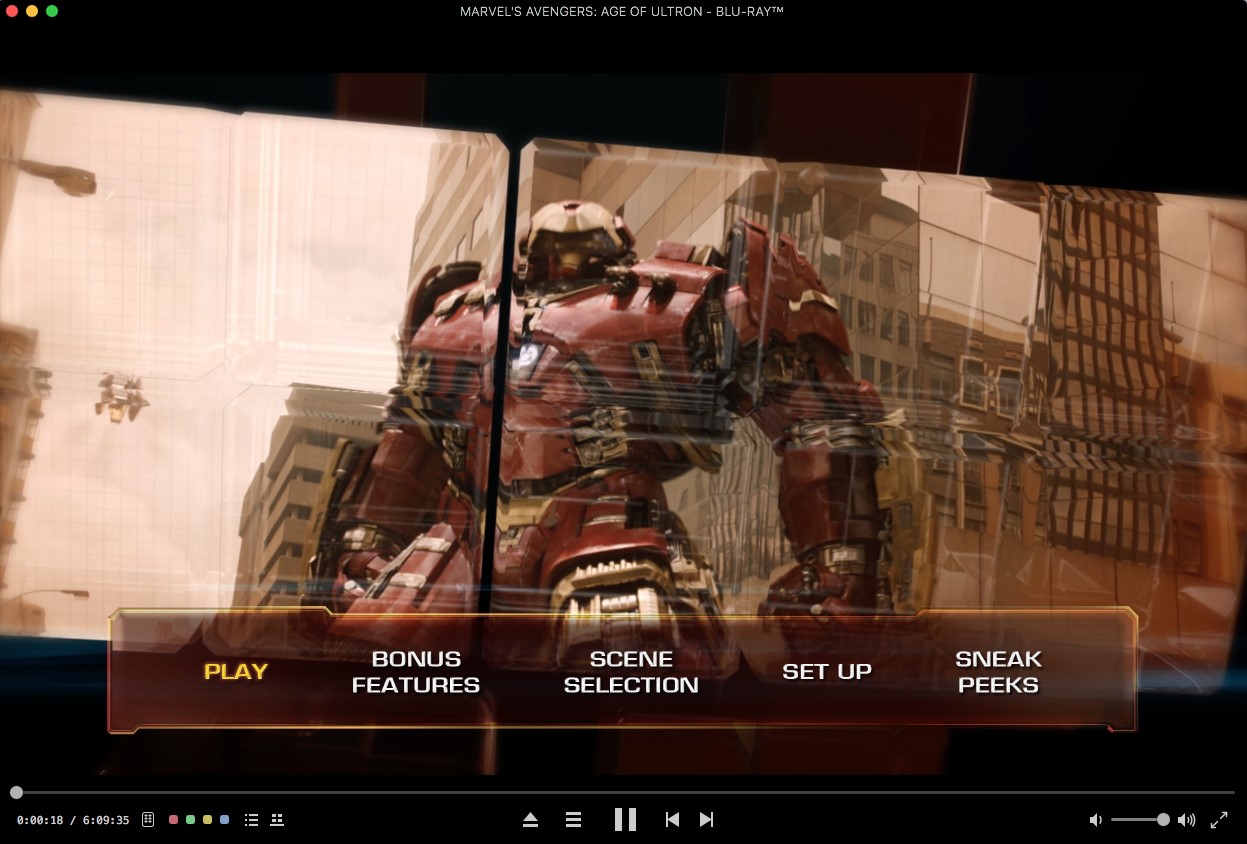
Does the complicated process of playing Blu-ray movies on a Mac still bother you? Here comes a powerful and user-friendly software to rescue you - Macgo Mac Blu-ray Player. This tutorial will show you how to play Blu-ray disc on Mac OS X with Macgo Mac Blu-ray Player.
Preparations you need to do:
Free trial version of this powerful Blu-ray Player Pro is now available on Macgo Official Download Center, or you can click here to download Mac Blu-ray Player Pro, and then drag its icon to your Application folder.
After installing Mac Blu-ray Player, you can go to “Launchpad” and click on its icon to launch the program. The full featured Blu-ray menu will reduce certain misoperations.
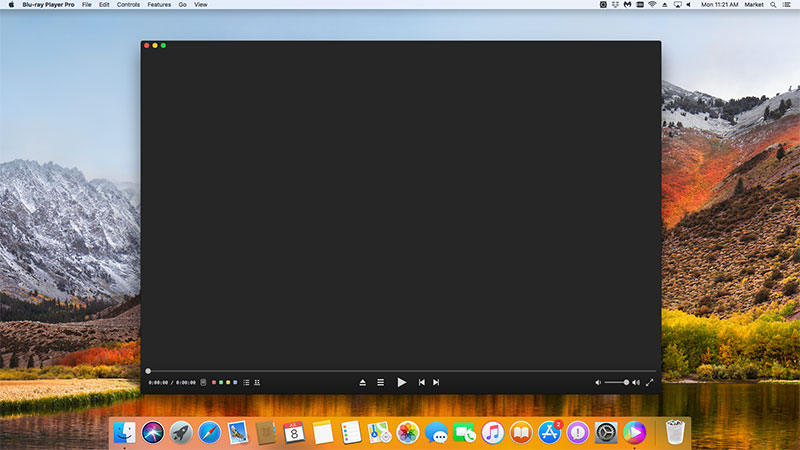
Connect the Bly-ray drive with your Mac via a USB cable. Insert the Blu-ray disc you want to play in the drive. The software will automatically load and play the disc.
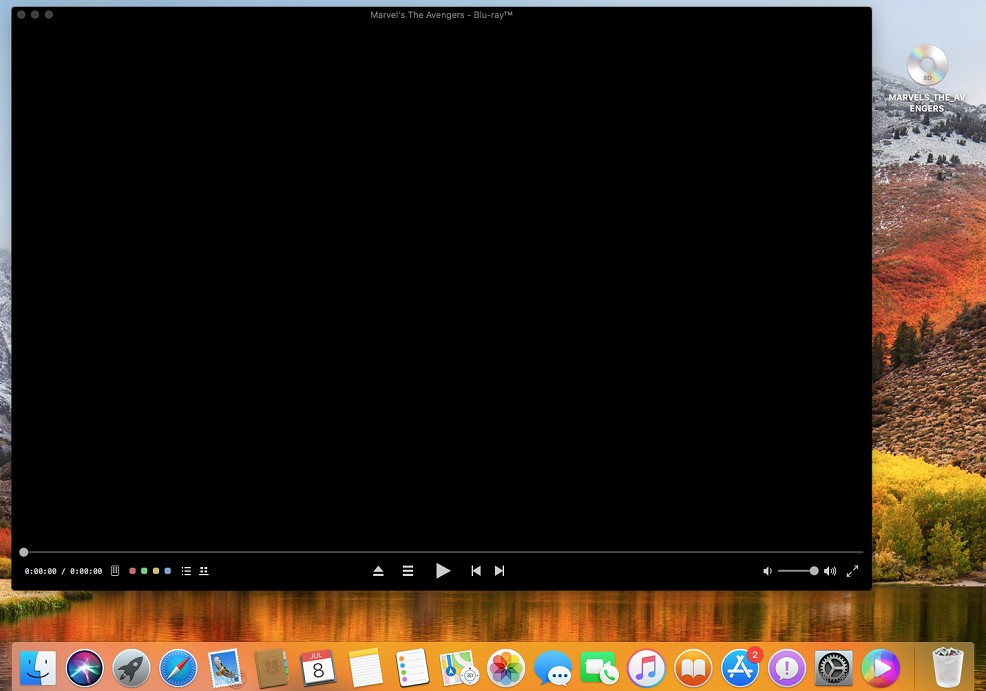
Wait a second till the main menu pops out and you can make some adjustments there according to your own preferences. You can choose where you want to watch in “SCENE SELECTION”, or make other adjustments in "SET UP". Then you can directly press "Play Movie" and "Return" key to enjoy some Blu-ray time.