As the increasing Blu-ray Discs came into market, there is an urgent demand to have an excellent Blu-ray player to present its extreme audiovisual entertainment. Right now, Mac Blu-ray Player makes it become true. It can support all Blu-ray movies, not only Blu-ray Disc, but also Blu-ray ISO and folders. Here will tell you how to play Blu-ray movie folders on Mac OS.
Preparations you need to do:
Free trial version of this powerful Blu-ray Player Pro is now available on Macgo Official Download Center, or you can click here to download Mac Blu-ray Player Pro, and then drag its icon to your Application folder.
After installing Mac Blu-ray Player, you can go to “Launchpad” and click on its icon to launch the program. The full featured Blu-ray menu will reduce certain misoperations.
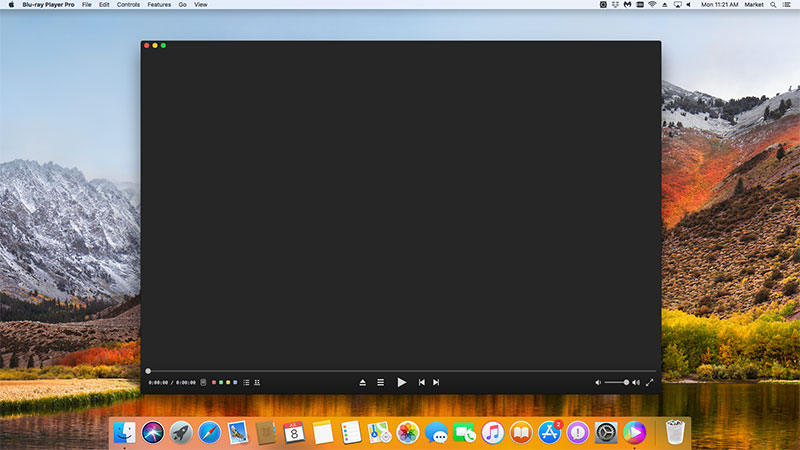
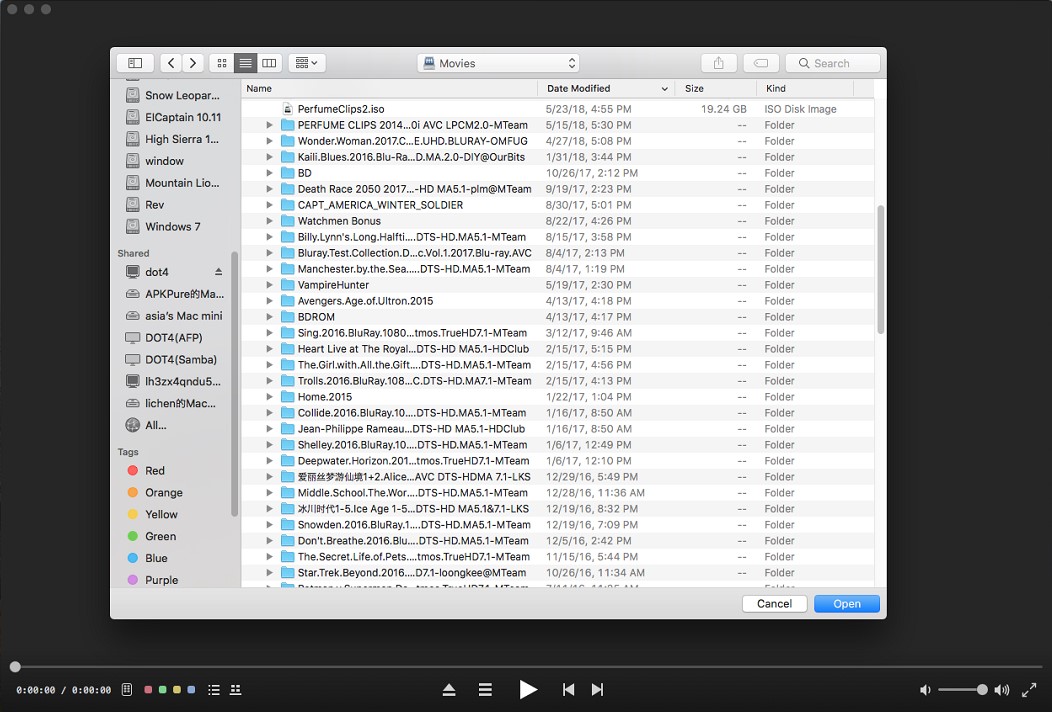
If you want to play a Blu-ray file, just click on "Open File" on the main interface and choose the Blu-ray video you would like to watch from local media files, then click "Open".
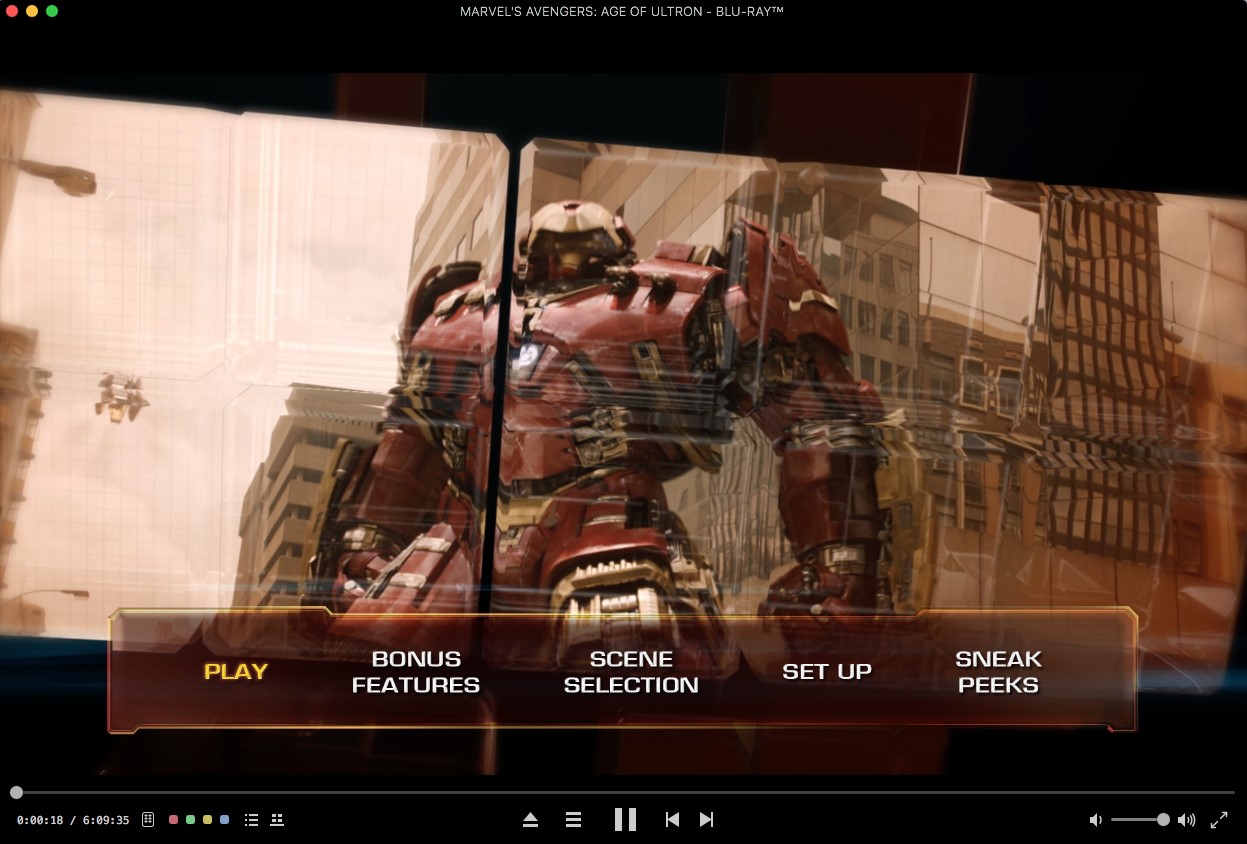
Wait for a few seconds till the menu appears. Now you can choose where you want to start watch the movie in the full featured Blu-ray menu, you can choose which language you want to hear in "Audio" and what kind of language you want to see in "Subtitle", then you can directly press "Play Movie" and "Return" key to enjoy some Blu-ray time.
The first and best Blu-ray media player for Mac. Support Original Blu-ray Menu, ISO files, and BDMV folder, etc.
Mac Download BUY NOW

 Mac Blu-ray Player Pro