Best Mac mini Blu-ray Player

Blu-ray must be a hurt for Mac mini owners, but if you really want to have this feature, with the help of one third-party software - Mac mini Blu-ray Player, the dream could come true.

Many people like to make Mac mini a nice home cinema theatre to play DVD, music, photo, or multimedia. But what a pity that only Blu-ray can't be played on it now. Is it Steve Jobs' joke? Or a trick from Apple company? However, I thought there would be a technical way to resolve this problem .

Fortunately, when I search how to play Blu-ray on Mac mini through Google, there was one review attracted me. A new Blu-ray player software for Mac mini came up, which make me can't wait to try it.

How to play Mac mini Blu-ray Player?

Preparations:

  • Mac mini
  • Mac mini Blu-ray Player
  • External Blu-ray drive 

Procedures:

Step One: A USB-powered external BD-ROM drive was connected to the Mac mini.

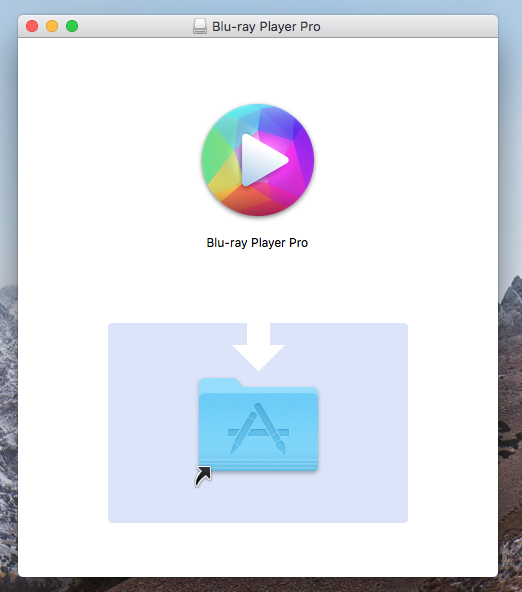
Step Two: Download Mac mini Blu-ray Player from Macgo official website and installed it.

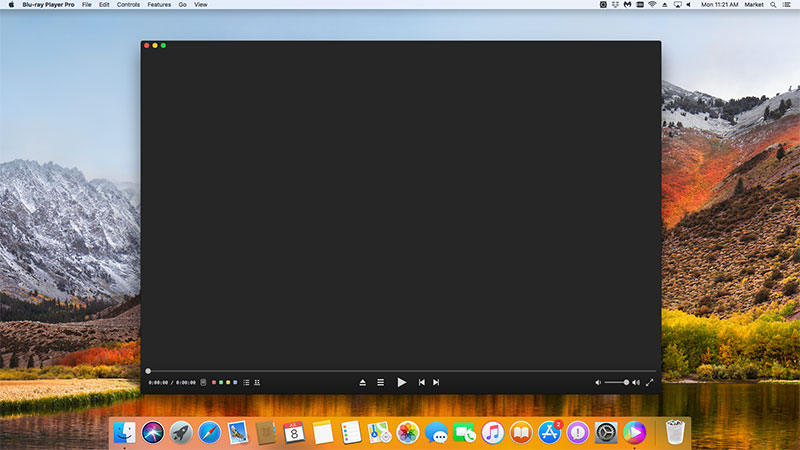
Step Three: Running the software, load a Blu-ray disc into the slot-loading external drive.

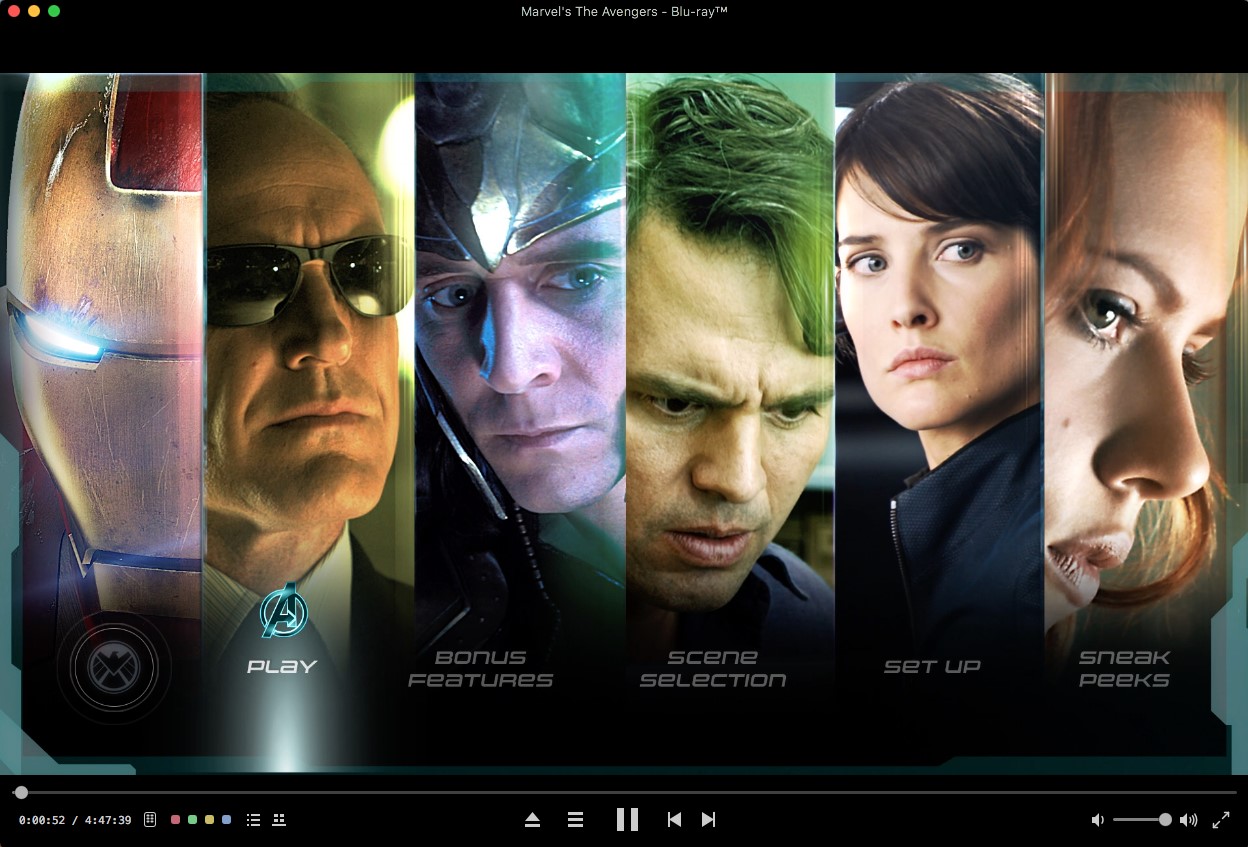
Through the software, it played back well. The picture looked vivid as we' d expect from a Blu-ray Disc, and definitely seemed much sharper than a DVD. That is great!

Settings

When you play Blu-ray movies, you can take actions as follows:

1) Snapshot: Alt+Command+S

Snapshot the movie by shortcut keys or pressing the "Snapshot" in "Tools".

2) Adjustments

Click "Tools" button and select "Adjustments". There are five sections to be set in video tuner: brightness, saturation, contrast, gamma and hue. If you want to reset them, you can press "Reset" button. Moreover, if you want to keep the settings, you can check the "Always apply the settings" on the left bottom.

3) Aspect Ratio

If you want to adjust aspect ratio, you can find it in "Video" on the tool menu.

4) Screen size

You can adjust screen size by shortcut keys or through the options in "Video" on the tool menu.

Half size: Command+1

Normal size: Command+2

Double size: Command+3

Fit to the screen: Command+4

Thus, I'm very exciting to introduce this gadget to you and this would be the best way to play Blu-ray on Mac mini, compared with other ways to make a boot program. Using this Mac mini Blu-ray Player, i tasted the forbidden fruit of Mac, which is incredible.

Please like us on Facebook, so you can get more timely updates and discount information, such as Giveaway campaigns. Meanwhile, you can also help us to improve our products. Thanks a lot.